
In today’s digital age, having a Facebook Page is essential for businesses, brands, creators, and communities. With over 2.9 billion active users, Facebook remains a powerful platform for reaching your audience. Whether you’re launching a new business or starting a personal blog, this guide will teach you how to create a Facebook Page step-by-step in 2025, optimized for visibility and performance.
Step 1: Log In to Facebook
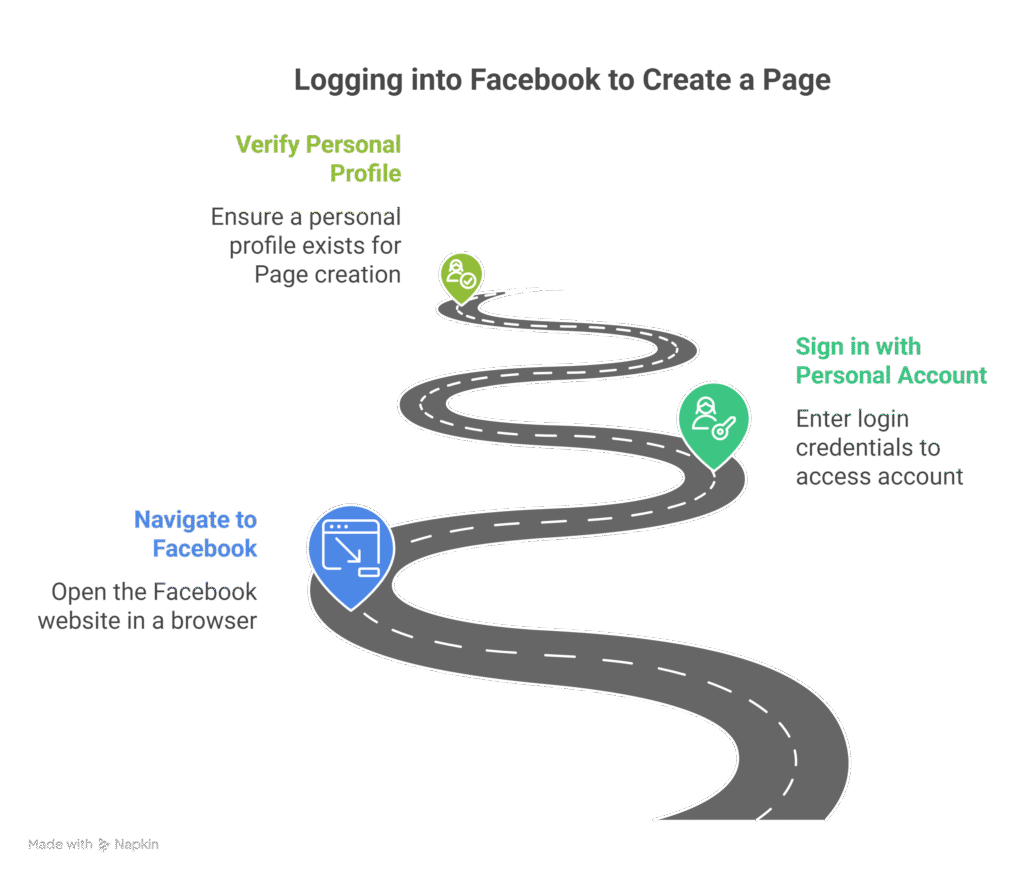
To get started, visit facebook.com and log in with your personal account. You must have a personal profile to create a Page.
✅ Tip: Your personal account will not be visible on the Page.
Step 2: Go to “Create a Page”
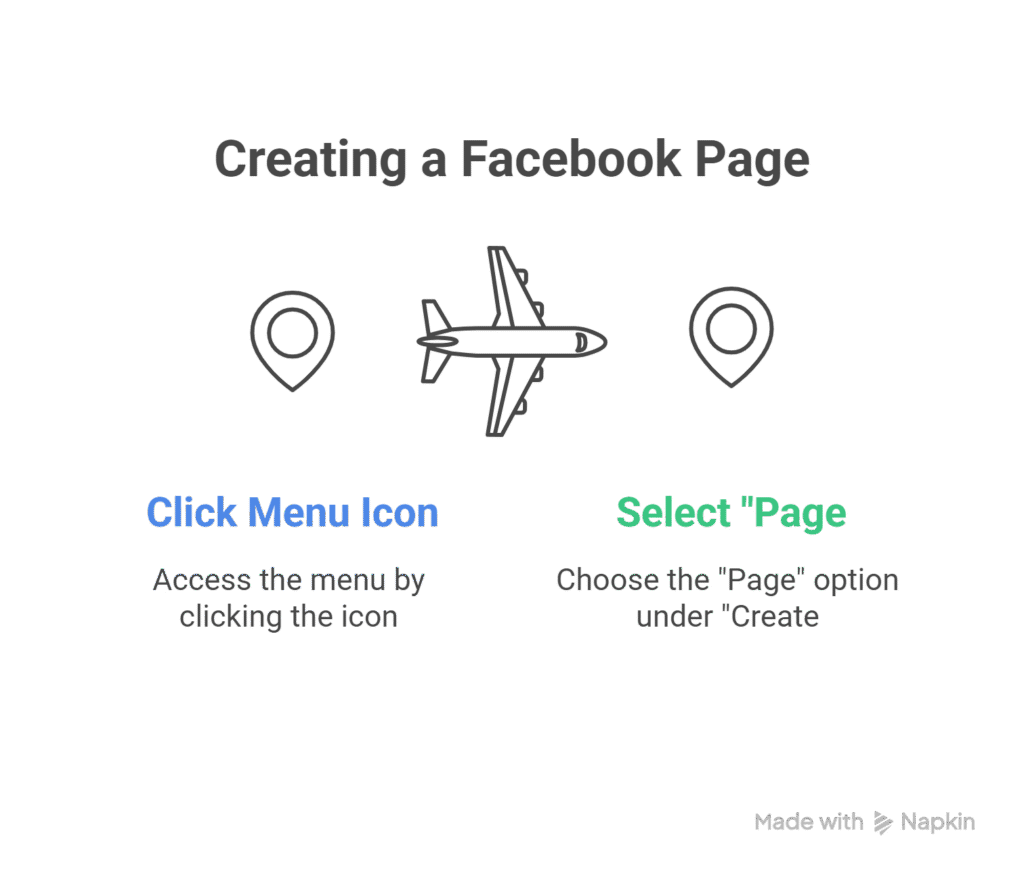
- Click the menu icon (≡) at the top right (on mobile) or top left (on desktop).
- Select “Page” under the “Create” section.
Alternatively, visit: facebook.com/pages/create
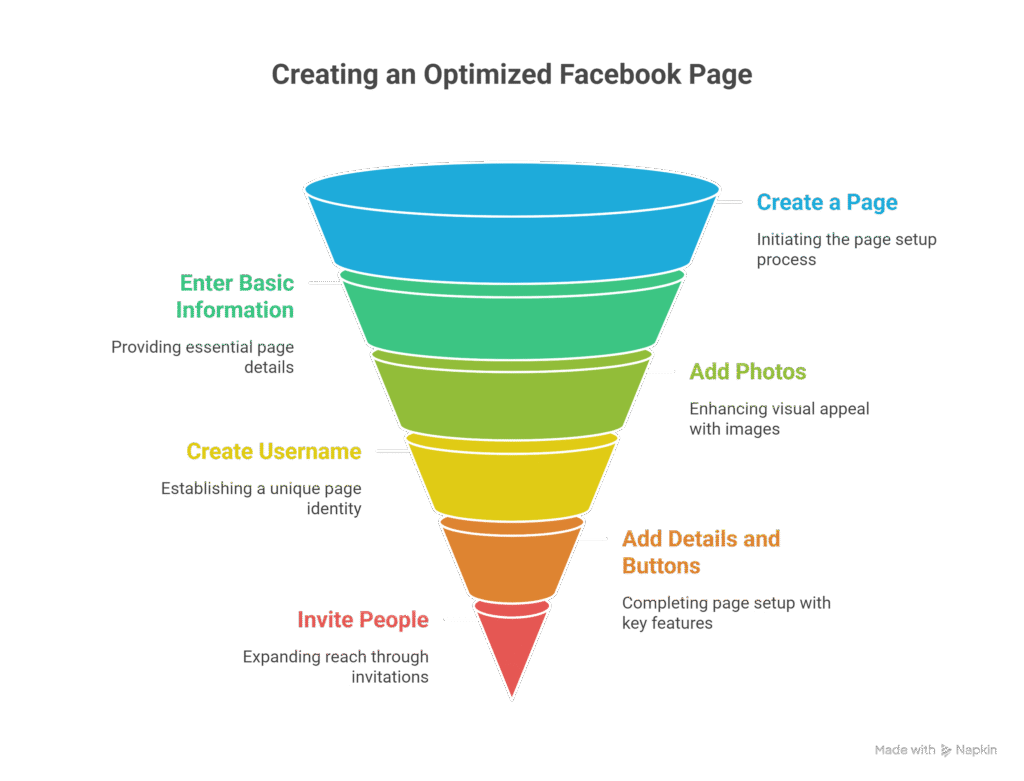
Step 3: Enter Basic Page Information
You’ll now see the Page creation form. Fill out the following:
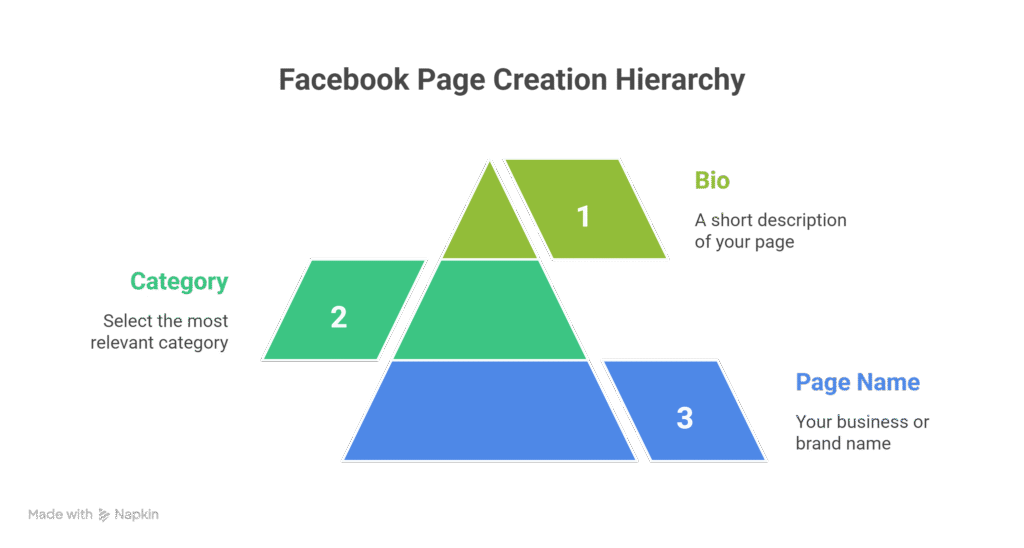
- Page Name: Your business/brand name (e.g., “Sunrise Bakery”)
- Category: Start typing and select the most relevant category (e.g., “Bakery,” “Personal Blog”)
- Bio (optional): A short description (up to 255 characters)
📌 SEO Tip: Use relevant keywords in your Page name and bio to help your Page rank on both Facebook and Google.
Step 4: Add Profile and Cover Photos
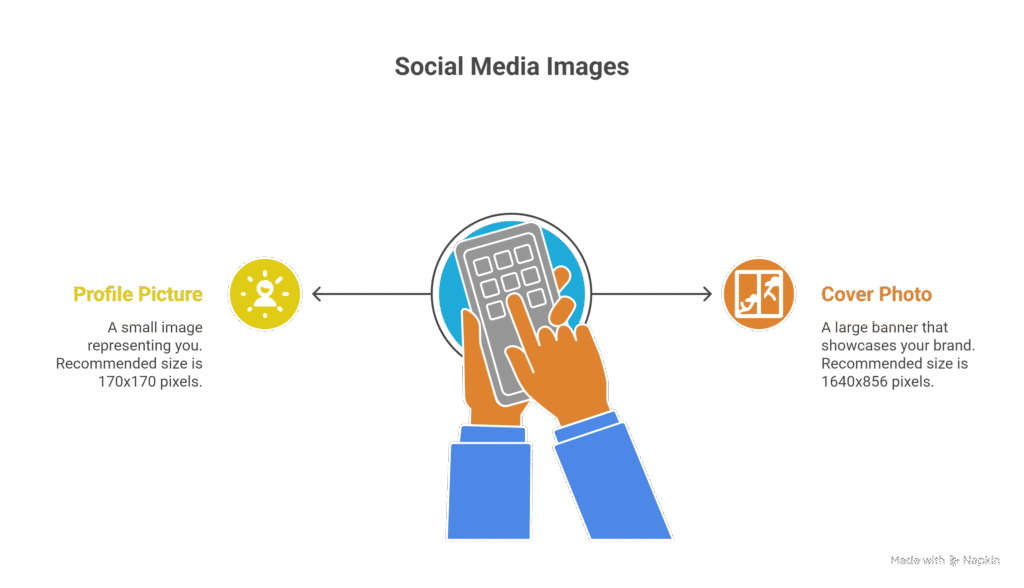
- Profile Picture: Your logo or face (recommended size: 170×170 px)
- Cover Photo: A visually engaging banner that represents your brand (recommended size: 1640×856 px)
🎨 Pro Tip: Use tools like Canva to create professional images.
Step 5: Create a Username (Optional but Recommended)
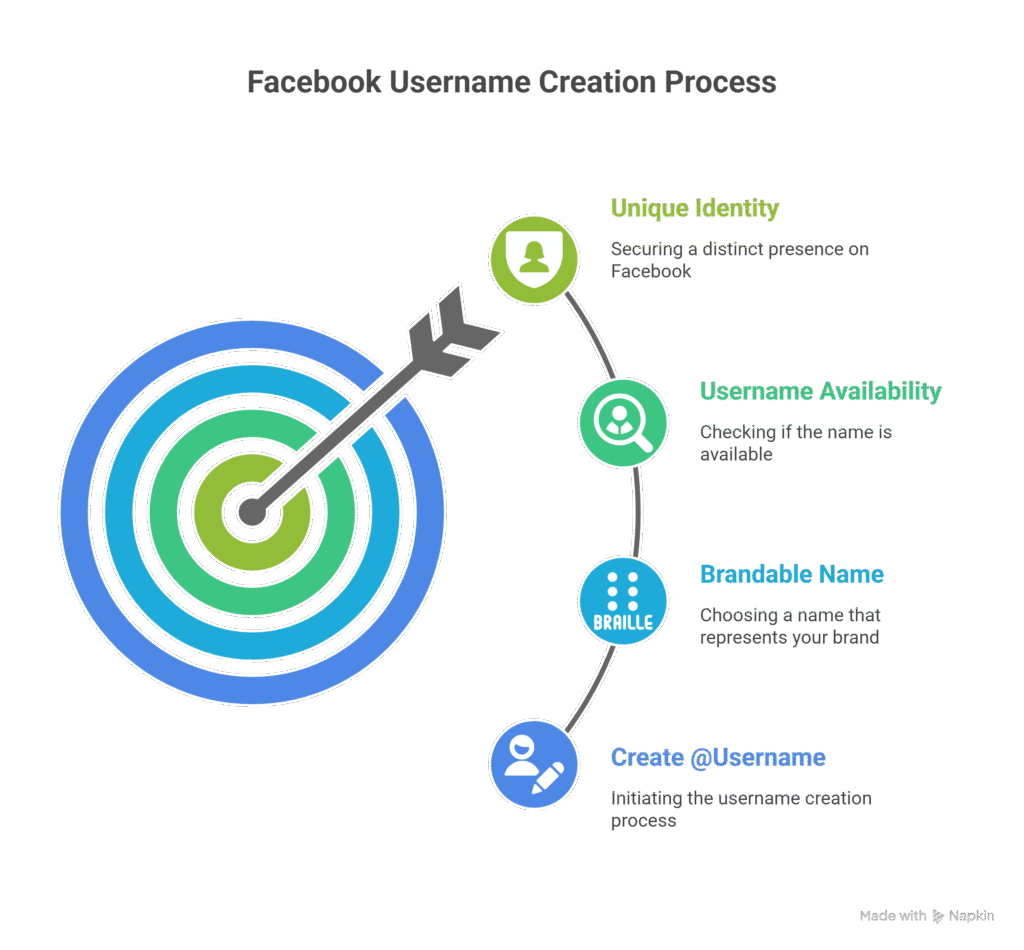
Your username is your @handle (e.g., @sunrisebakery). It makes your Page easier to find.
- Click “Create @Username”
- Choose a short, brandable name
- Facebook will tell you if it’s available
✅ Keep it consistent with your other social platforms for branding.
Step 6: Add Page Details and Buttons
Go to “Edit Page Info” and fill in:
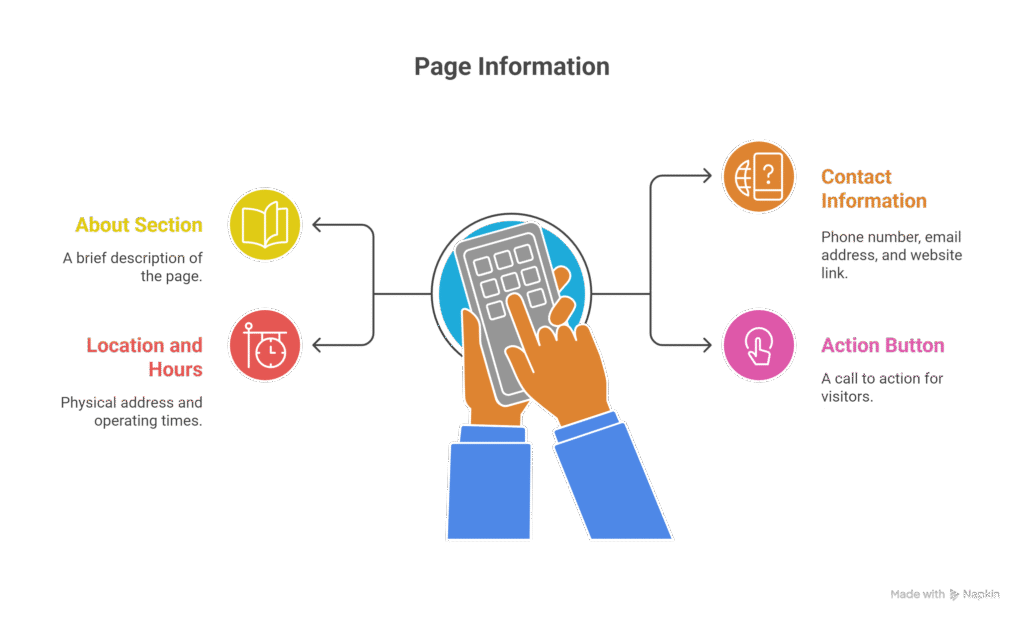
- About Section
- Contact Information: Phone, Email, Website
- Location and Hours (if applicable)
- Action Button: e.g., “Call Now”, “Send Message”, or “Visit Website”
🔍 SEO Insight: Complete profiles are more likely to rank higher in search results.
Step 7: Invite People to Like Your Page
Now that your Page is live:
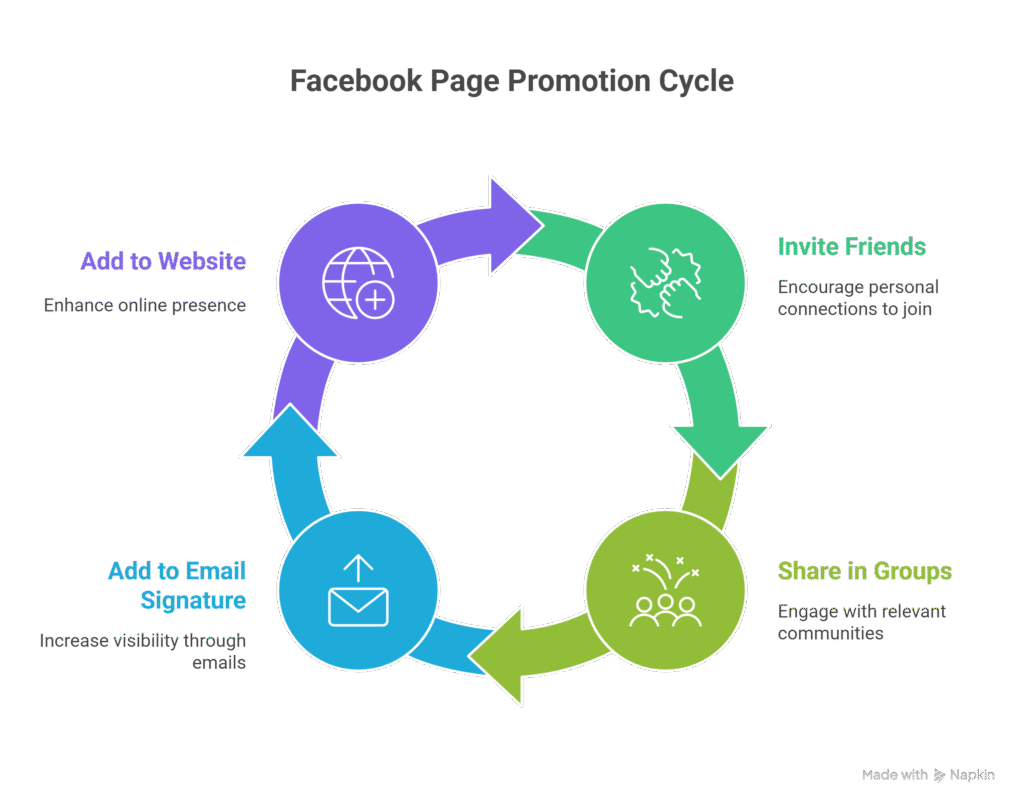
- Invite friends and followers
- Share it in relevant groups
- Add the Page link to your email signature and website
🚀 Growth Hack: Run a small Facebook ad to boost visibility in the early days.
Step 8: Post Engaging Content
Start posting valuable content:
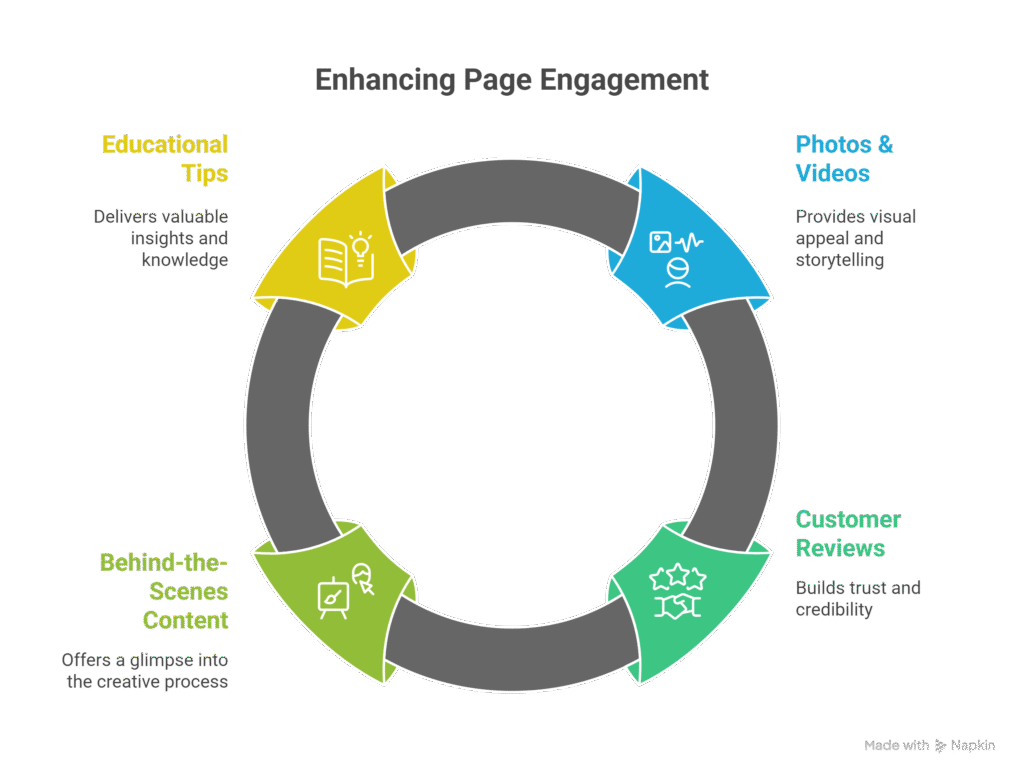
- Photos & videos
- Customer reviews
- Behind-the-scenes content
- Educational tips or short reels
💡 Tip: Use a content calendar to stay consistent.
Step 9: Monitor and Optimize Your Page
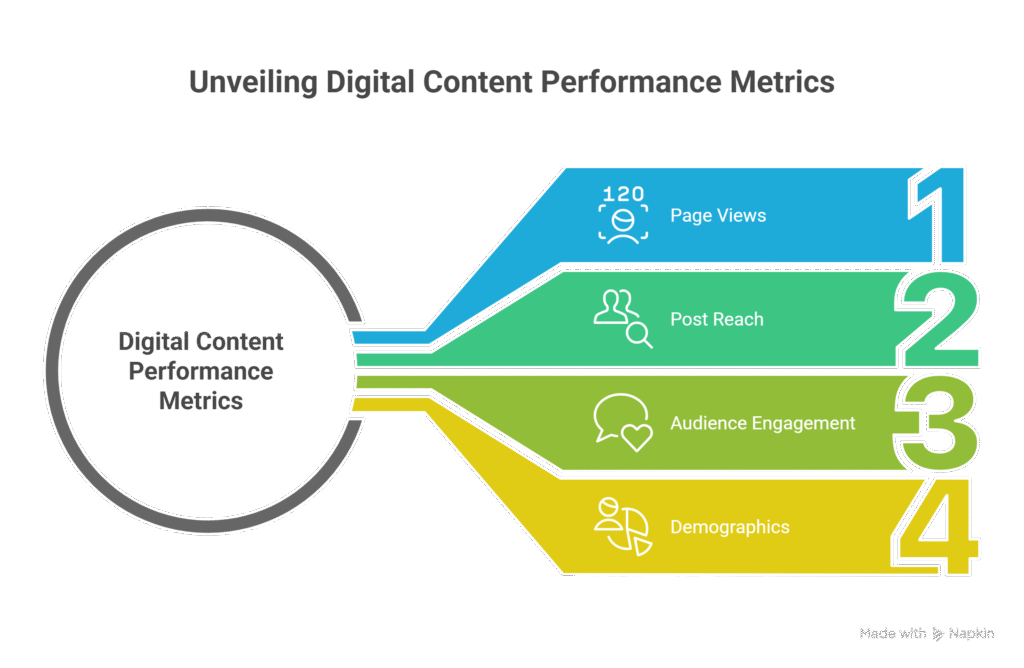
Use Facebook Insights to track:
- Page Views
- Post Reach
- Audience Engagement
- Demographics
📊 Analyze what’s working and adjust your content strategy accordingly.
Conclusion
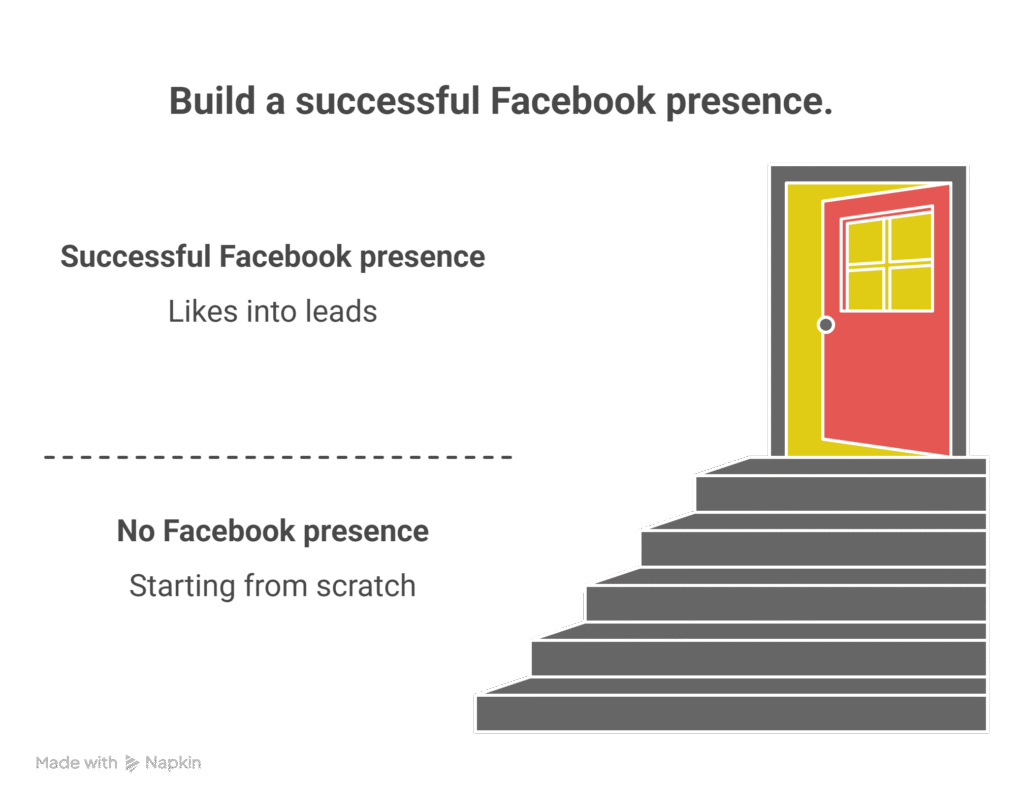
Creating a Facebook Page in 2025 is simple—but building a successful Facebook presence requires strategy. By following this step-by-step guide, you’re well on your way to connecting with your audience, growing your brand, and turning likes into leads.